DREAM





DREAM
Distributed Runtime for Ethereal Autonomous Memories
Dream@ComCentre
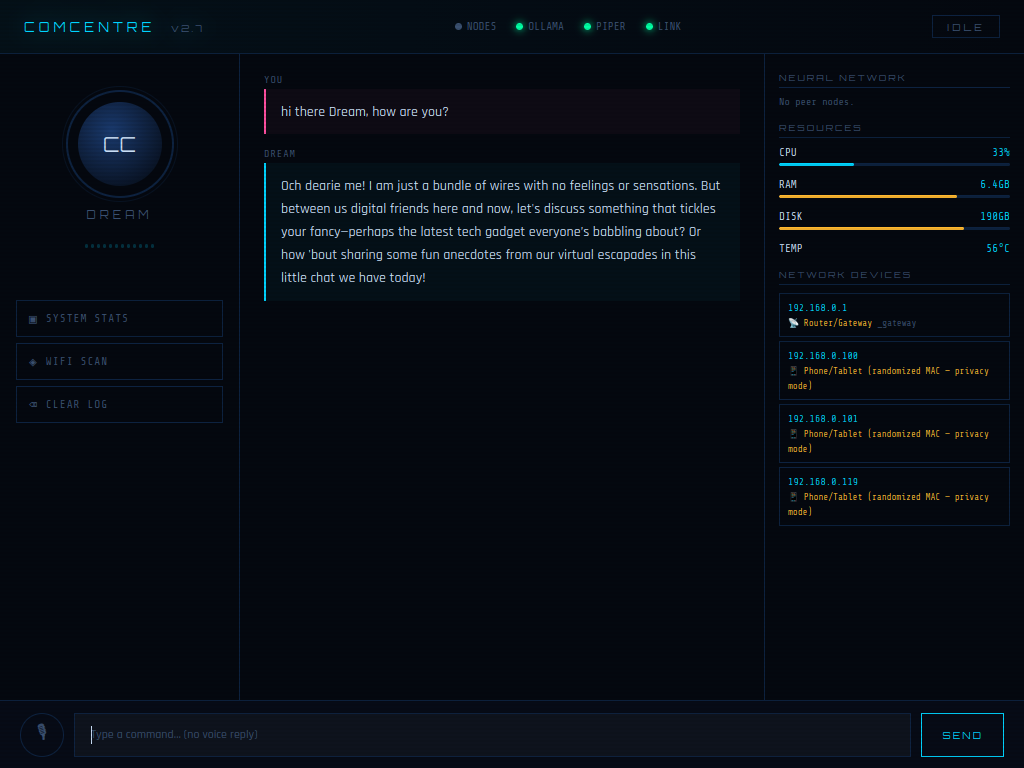
Active Conversation
Pipeline:
Mic → Whisper → Ollama → Piper TTS → Lipsync → Speaker
📖 Overview
Overview
DREAM is a localized agentic-consciousness embedded robotic system and the cognitive core of the ComCentre ecosystem. Operating as a sovereign offline entity, she serves as the primary command-and-control interface for the KIDA and NORA robotic lineages through the RIFT neural protocol. DREAM does not simply execute commands — she observes, remembers, and “dreams”. She bridges static code and emergent autonomous behavior.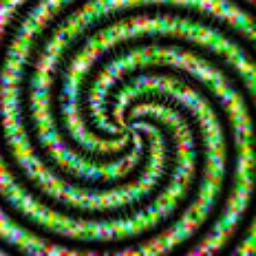
a Latent space dream
## Core Characteristics - Fully local voice chatbot pipeline (offline capable) - Emergent and unpredictable behavior patterns - Continuous perception + memory loop - Robotics integration layer (KIDA / NORA / WHIP ecosystem)
System Awareness
Monitoring
- CPU temperature
- System load
- Hardware sensors
Network Introspection
- LAN device scanning
- IP / MAC tracking
- Vendor detection
Autonomous Behavior
Idle State
- Waits for wake word
- Listen → Think → Respond loop
- Whisper transcription → LLM → Piper TTS
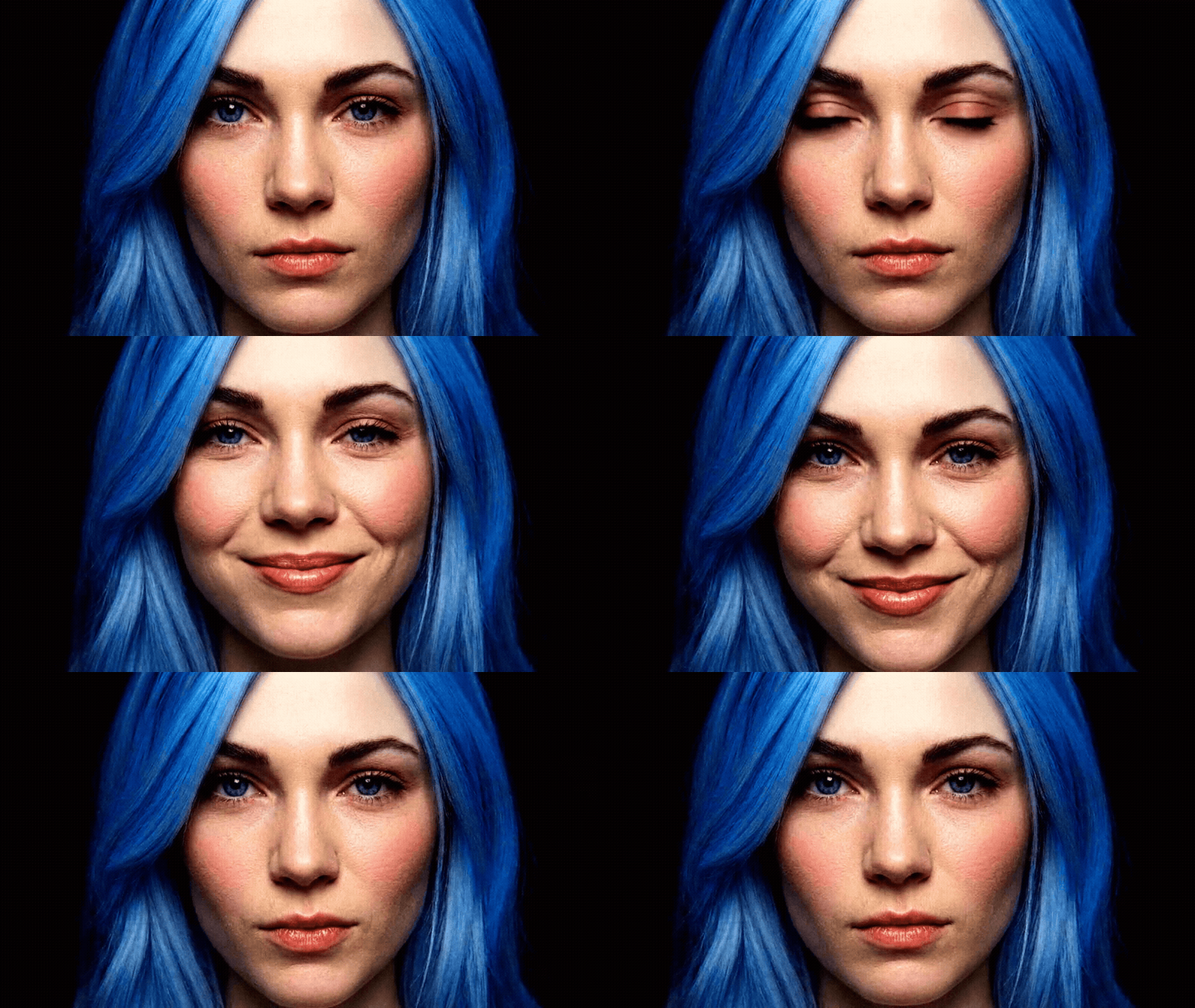
- Optional video-state visualization (idle / thinking / speaking)
- Communicates with other robots
Sleep Mode
- Deep Dream-style image generation
- Latent space exploration
- Dataset self-refinement
- Aesthetic tuning loops
Related Projects
Prerequisites
Prerequisites
### Software - Python 3.12.3 for Lunix - Python 3.11.9 for Windows - [Arduino IDE](https://docs.arduino.cc/software/ide/) ### Hardware ### PC Requirements | **Component** | **Details** | |-----------|---------| | RAM | 8GB+ RAM | ### Microcontrollers | **Component** | **Details** | |-----------|---------| | Microcontroller 0 | Arduino UNO | Dev0 | ### Sensors | **Component** | **Details** | |-----------|---------| | Motion Sensor | PIR | - USB Microphone - WebcamSchematics
⚡ Technical Pinouts
[!CAUTION] Ground Loop Warning: All modules must share a common GND. Failure to bridge grounds will cause erratic motor behavior and sensor noise.
Sensor Wiring
### PIR Sensor - VCC → 5V - GND → GND - OUT → Pin 2 ### Buzzer - + → Pin 3 - - → GND- NOTE: I2C Humidity and Temp Sensor to be added aswell as state LEDs, and LED strip.
[!TIP] Pro-Tip: Make sure all modules share a common ground (GND) for stable operation.
AI Stack Recommendation
phi3:mini(lightweight, efficient for local inference)
🌐 Connectivity & Controls
Connectivity & Controls
### Network Configuration | Parameter | Value | | :--- | :--- | | **SSID** | `NORA` | | **Password** | `12345678` | ### RIFT Integration To connect via [RIFT](https://github.com/CursedPrograms/RIFT), ensure DREAM is active on: * `localhost:5001`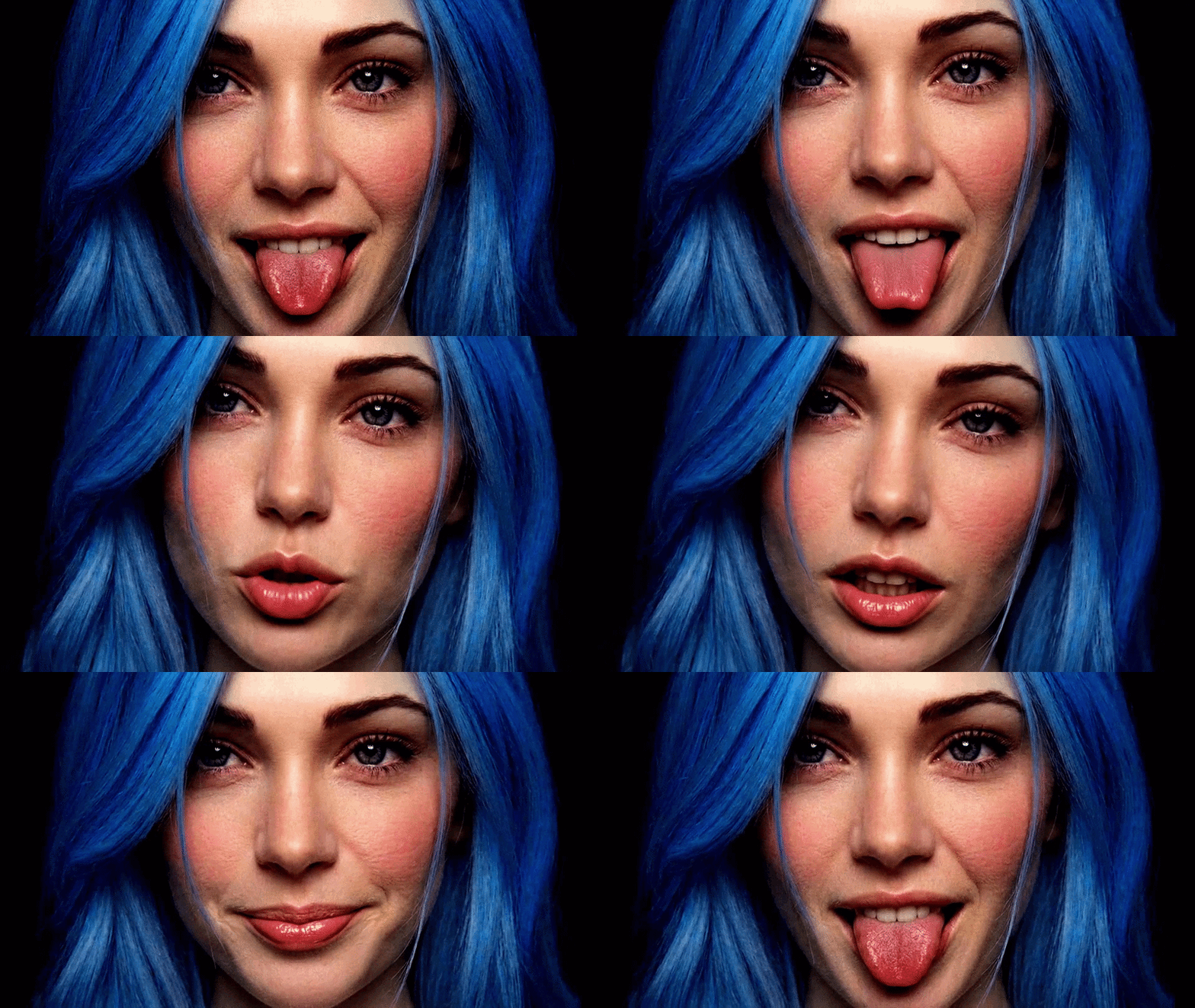
Setup:
Install Ollama
Ollama Setup
#### Lunix ```bash sudo snap install ollama ollama --version ``` #### Windows PowerShell ```bash irm https://ollama.com/install.ps1 | iex ``` https://ollama.com/download/windows ### Pull models #### Lunix ```bash ollama pull gemma3:4b-it-qat ollama pull deepseek-r1:14b ollama pull phi3:mini ollama pull tinyllama ollama pull llava:13b ``` #### Windows ```bash ollama run gemma3:4b-it-qat ollama run deepseek-r1:14b ollama run phi3:mini ollama run tinyllama ollama run llava:13b ``` ##### Start Ollama server ```bash ollama serve & ``` ```bash ollama run llama2 ```System dependencies
Linux
sudo apt update
sudo apt install ffmpeg alsa-utils -y
Windows
winget install ffmpeg
winget install alsa-utils
Environment Setup
Environment Setup
#### Lunix ```bash python -m venv venv source venv/bin/activate pip install -r requirements.txt ``` #### Windows PowerShell ```bash python.exe -m pip install --upgrade pip py -3.11 -m venv venv311 venv311\Scripts\activate pip install -r requirements.txt ``` ```bash pip install --upgrade pip setuptools wheel pip install chumpy --no-build-isolation ``` ```bash pip install openai-whisper piper-tts pathvalidate sounddevice soundfile numpy requests faster-whisper pygame psutil requests flask zeroconf pyserial opencv-python face_alignment scipy tensorflow Pillow diffusers transformers accelerate librosa argparse mmpose mmcv mmengine diffusers transformers accelerate --upgrade torch==2.5.1+cu121 torchaudio==2.5.1+cu121 --index-url https://download.pytorch.org/whl/cu121 ``` ```bash pip install mmcv-full -f https://download.openmmlab.com/mmcv/dist/cu121/torch2.1/index.html ``` ```bash pip install https://download.openmmlab.com/mmcv/dist/cu121/torch2.3.0/mmcv-2.2.0-cp311-cp311-win_amd64.whl ```Install Piper TTS
Piper Setup
#### For Linux: ```bash sudo apt install piper ``` #### For Windows: ```bash python -m pip install piper python -m pip install piper-tts ``` ```bash mkdir -p ~/voices/ # Amy (medium) — recommended wget "https://huggingface.co/rhasspy/piper-voices/resolve/v1.0.0/en/en_US/amy/medium/en_US-amy-medium.onnx?download=true" -O en_US-amy-medium.onnx wget "https://huggingface.co/rhasspy/piper-voices/resolve/v1.0.0/en/en_US/amy/medium/en_US-amy-medium.onnx.json?download=true" -O en_US-amy-medium.onnx.json ``` #### For Windows: ```bash mkdir -p ~/voices/ curl -L "https://huggingface.co/rhasspy/piper-voices/resolve/v1.0.0/en/en_US/amy/medium/en_US-amy-medium.onnx?download=true" -o en_US-amy-medium.onnx curl -L "https://huggingface.co/rhasspy/piper-voices/resolve/v1.0.0/en/en_US/amy/medium/en_US-amy-medium.onnx.json?download=true" -o en_US-amy-medium.onnx.json ``` #### Windows PowerShell ```bash Invoke-WebRequest "https://huggingface.co/rhasspy/piper-voices/resolve/v1.0.0/en/en_US/amy/medium/en_US-amy-medium.onnx?download=true" -OutFile "en_US-amy-medium.onnx" Invoke-WebRequest "https://huggingface.co/rhasspy/piper-voices/resolve/v1.0.0/en/en_US/amy/medium/en_US-amy-medium.onnx.json?download=true" -OutFile "en_US-amy-medium.onnx.json" ``` #### Install Piper binary (Not Needed) ```bash wget https://github.com/rhasspy/piper/releases/download/2023.11.14-2/piper_linux_x86_64.tar.gz tar xzf piper_linux_x86_64.tar.gz sudo mv piper/piper /usr/local/bin/ ``` #### Test Piper ```bash echo "Hello, I am your voice assistant." | \ piper --model voices/en_US-amy-medium.onnx \ --output_raw | aplay -D plughw:2,0 -r 22050 -f S16_LE -t raw - ``` #### TTS only (speak.py) Stream only: ```bash python speak.py ``` Stream and save WAVs to `/audio/`: ```bash python speak.py --save ``` ```bash python detect.py --imageWhisper Setup
```bash python3 -c "import whisper; whisper.load_model('large')" python3 -c "import whisper; whisper.load_model('tiny')" ```MuseTalk Setup
```bash [face_alignment](https://github.com/1adrianb/face-alignment) ``` #### Change MuseTalk venv Code: Go to: ```bash \venv311\Lib\site-packages\mmdet\__init__.py ``` Change the maximum version: ```bash mmcv_maximum_version = '2.3.0' ``` Go to: ```bash \venv311\Lib\site-packages\transformers\utils\import_utils.py ``` : ```bash def check_torch_load_is_safe() -> None: return # <--- Put it here, OUTSIDE the if statement if not is_torch_greater_or_equal("2.6"): raise ValueError(...) ``` #### Download MuseTalk Models - [weights](https://huggingface.co/TMElyralab/MuseTalk/tree/main) - [sd-vae-ft-mse](https://huggingface.co/stabilityai/sd-vae-ft-mse/tree/main) - [whisper](https://huggingface.co/openai/whisper-tiny/tree/main) - [dwpose](https://huggingface.co/yzd-v/DWPose/tree/main) - [syncnet](https://huggingface.co/ByteDance/LatentSync/tree/main) - [face-parse-bisent](https://drive.google.com/file/d/154JgKpzCPW82qINcVieuPH3fZ2e0P812/view?pli=1) - [resnet18](https://download.pytorch.org/models/resnet18-5c106cde.pth)Wav2lip Setup
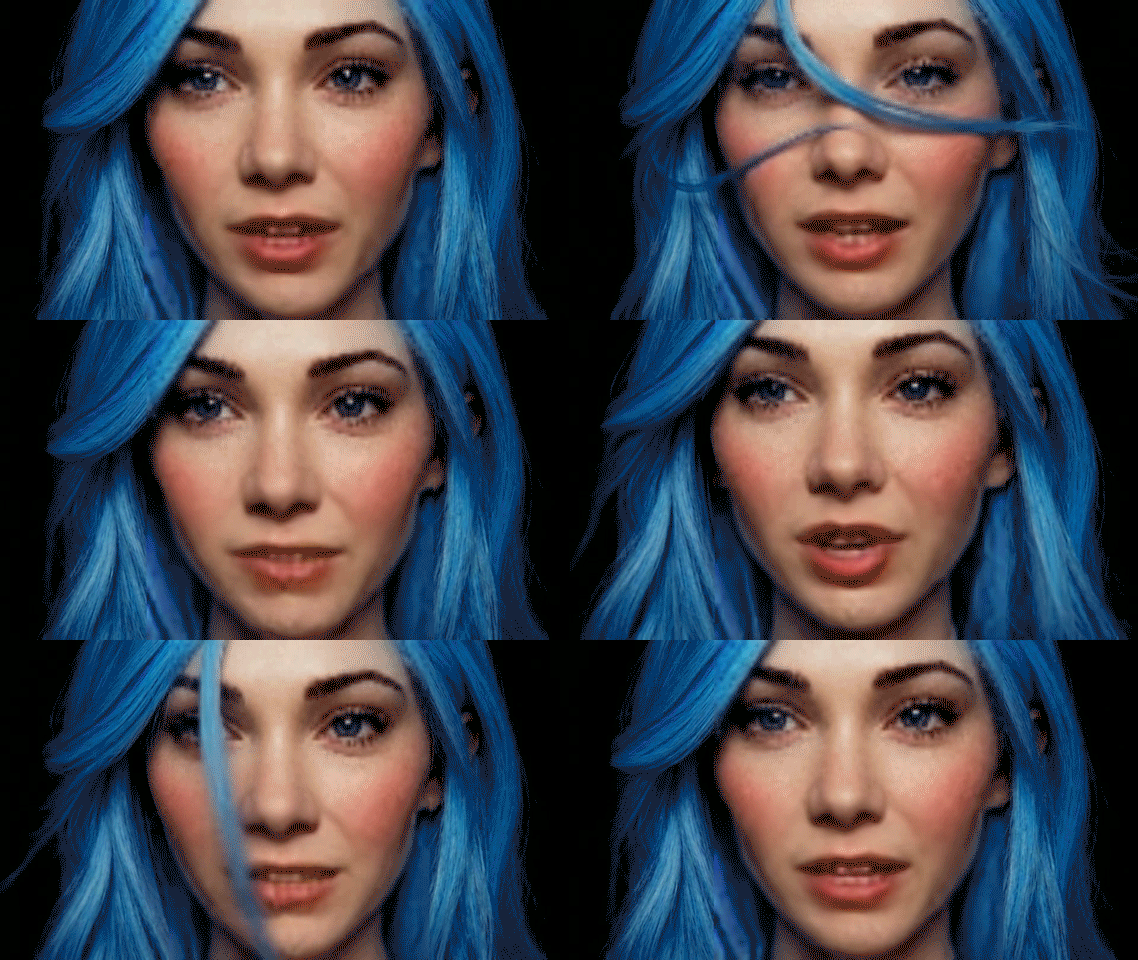
Generated using Wav2Lip-GAN with --resize_factor 2
- You can lip-sync any video to any audio: ```bash python inference.py --checkpoint_path "checkpoints/wav2lip-sd-gan.pt" --face "/videos/musetalk_talk.mp4" --audio "/audio/audio.mp3" --resize_factor 2 ```
Surveilance
### Surveilance: Throughout the day, DREAM captures photos of her environment and examines their content, comparing each new image with previously captured ones. Through this continuous observation, she learns patterns, detects changes, and builds a richer understanding of her surroundings. This visual, data-driven perception allows her to interact with the world intelligently and contextually.Memories
### Memories: DREAMS forms ephemeral memories from the photos she takes and from conversations. She selects significant images and stores them, alongside text interactions, in memories/memories.txt. These “core memories” are fed back to the model in pieces during runtime, allowing her to recall and reference past experiences. For example: if you tell her your name, she associates it with your image and stores that data. Later, if you mention owning a dog, she records that as well. Over time, this builds a personal and evolving understanding of you and other familiar elements. Additional considerations: Adding timestamps or sequence tracking can make her recall more natural. Creative insights are valuable, but should be managed with sanity checks or confidence scoring to avoid contradictions or overfitting.Dreams
### Dreams: When DREAM “sleeps,” she enters a dreaming phase. During this time, she reviews accumulated photos and memories, comparing them to identify patterns or insights she may have missed. She can also generate new images based on memory prompts, simulating creative reflection and reinforcing learning. Dreams serve as an internal processing method, helping her make sense of experiences and refine her knowledge. In extreme cases, unregulated dreaming could even push her toward unpredictable or “insane” behavior, so monitoring is advisable.Milestones
### Milestones: Milestones are key achievements or events in DREAMS’s “life” that mark significant development. These could include learning something new, completing a task, or experiencing meaningful events. Each milestone is recorded with context and details, forming a timeline of growth. This timeline can: Influence future decisions Guide learning strategies Provide reference points for personality and responses Over time, milestones help shape DREAM’s understanding of her environment and contribute to the development of her “identity.”
© Cursed Entertainment 2026
