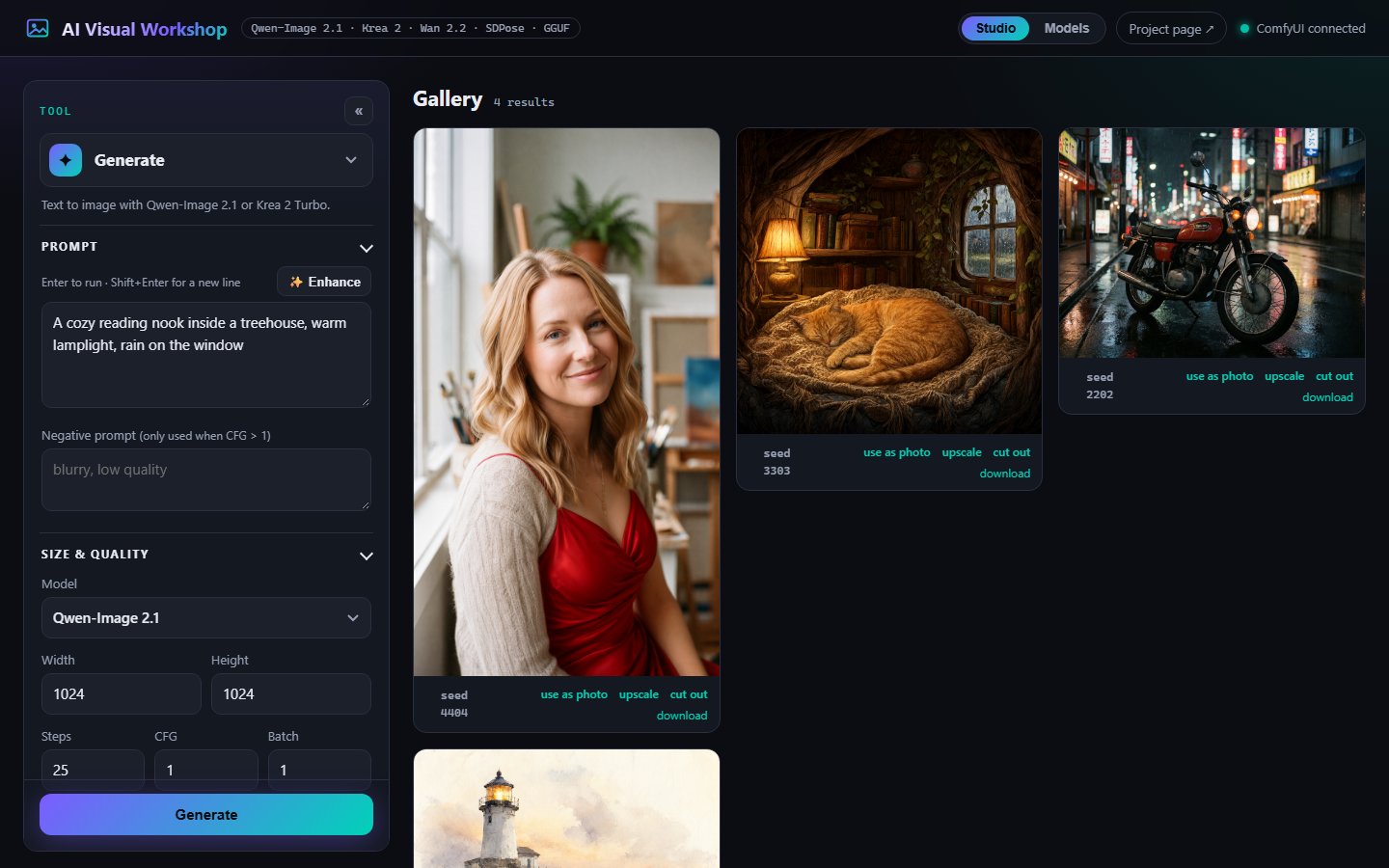
Ten tools, one panel
Text to image
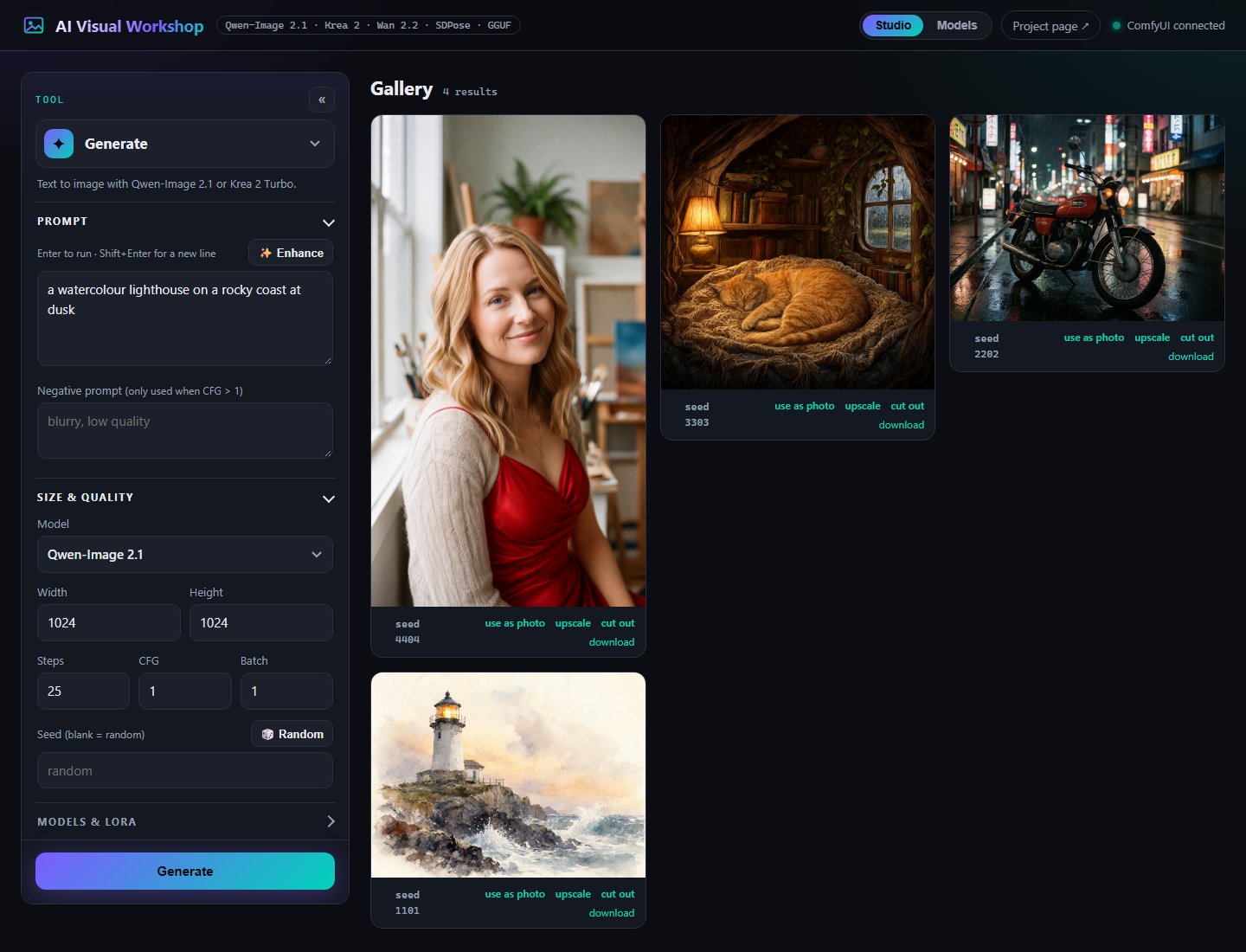
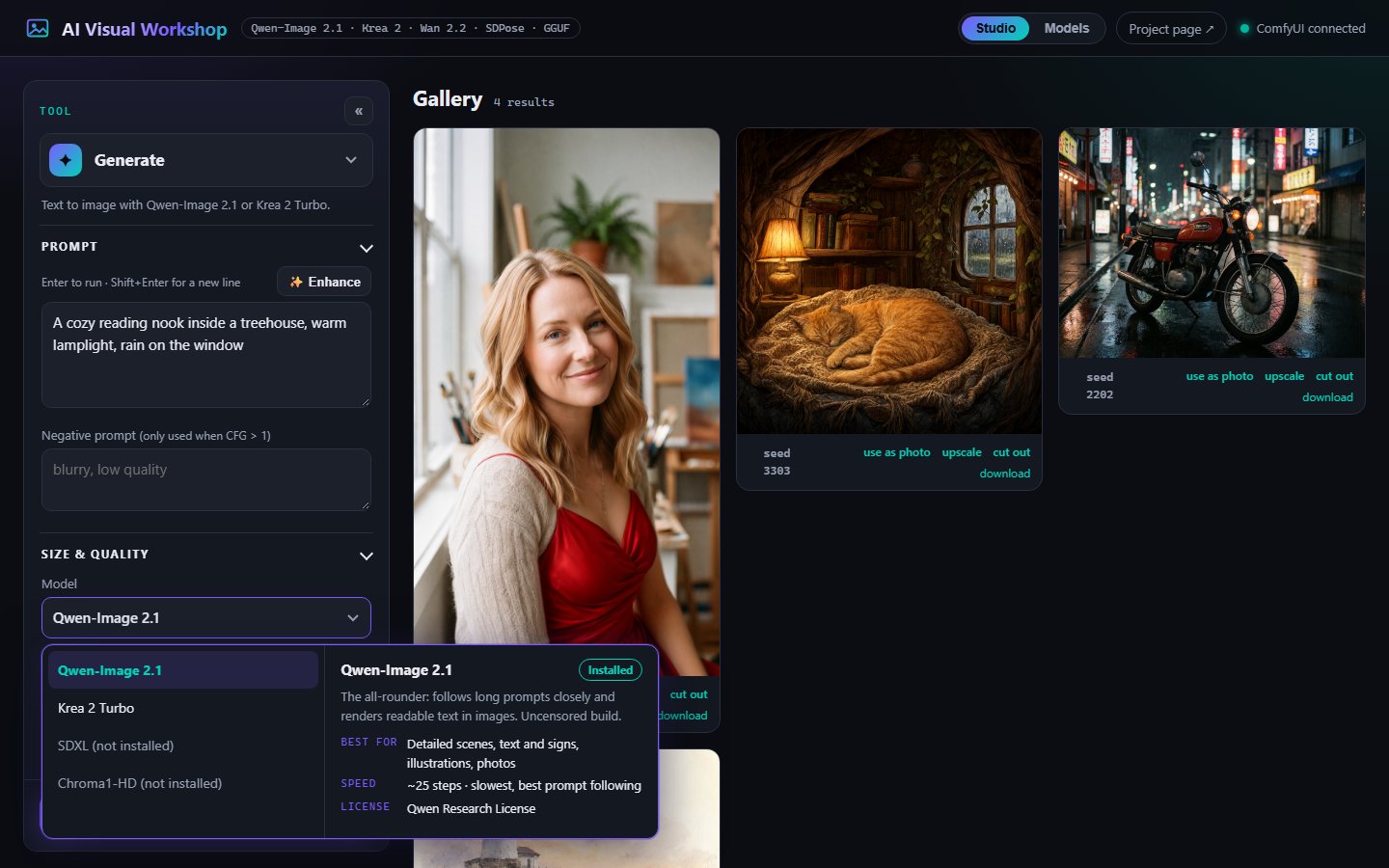
Qwen-Image 2.1, Krea 2 Turbo in 8 steps, SDXL (RealVisXL Lightning) in 6, or Chroma1-HD. Size, steps, CFG, batch, and a seed you can roll 🎲 or reuse from any result.
Describe the change
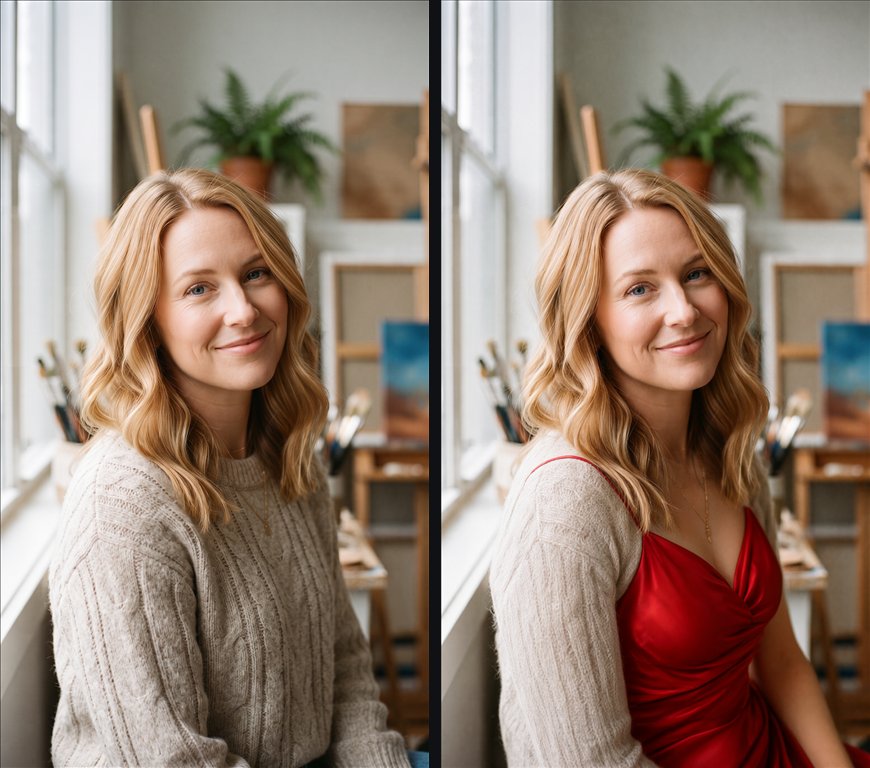
“Make the dress red.” Qwen-Image 2.1 edits natively, keeping the photo's shape and everything you didn't mention.
Repaint one area
Paint a mask and regenerate only that part. Everything outside it is kept pixel for pixel.
Past the borders
Extend to 16:9, 1:1 or “zoom out 2×”. The model invents the surroundings; the original stays exact.
Copy a pose
SDPose reads the body, hands and face in a photo; Qwen-Image draws something new in exactly that pose.
Cut out or replace
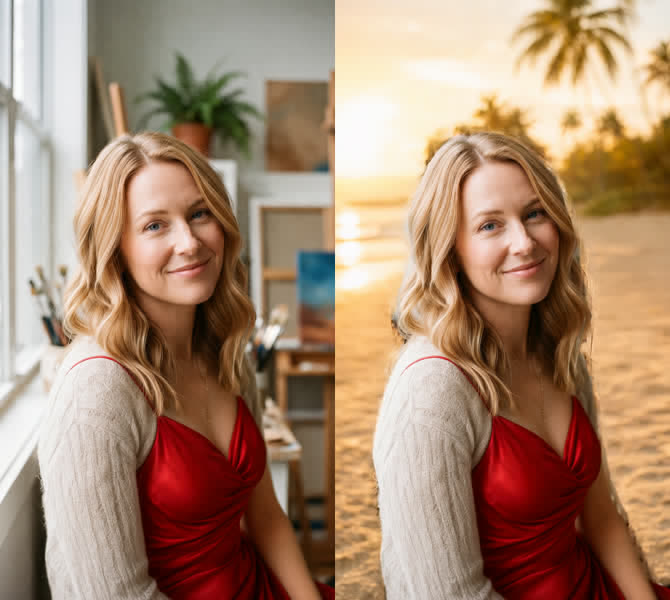
BiRefNet cuts the subject out as a transparent PNG, or keeps it and paints a new background you describe. Local, no cloud.
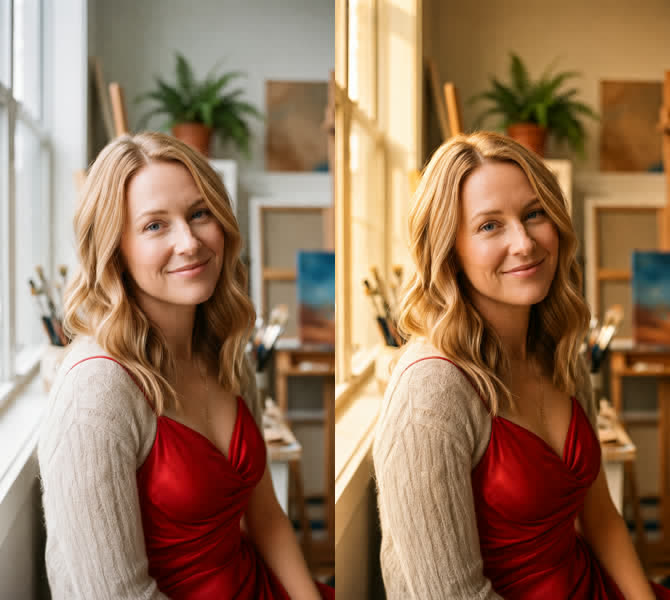
Change the light
“Golden hour from the left.” Only the lighting changes; people, pose and composition stay.
Smooth, cut out
RIFE adds in-between frames (16 → 32 fps), or remove a video's background onto a green screen.
2× or 4×
4x-UltraSharp V2 adds real detail. One click under any result, or its own tool for any photo.
Bring it to life
Wan 2.2: animate a photo or make a video from a prompt alone. 2–5 s at 24 fps, sized to the photo. Plus a face-focused 14B model (test).
Download in the app
See what's installed and download the rest, resumable over parallel connections, without leaving the page.
Enhance, LoRA, queue
✨ rewrites a prompt with a local LLM, LoRAs stack on any tool, and every job gets a card with live progress and Cancel.
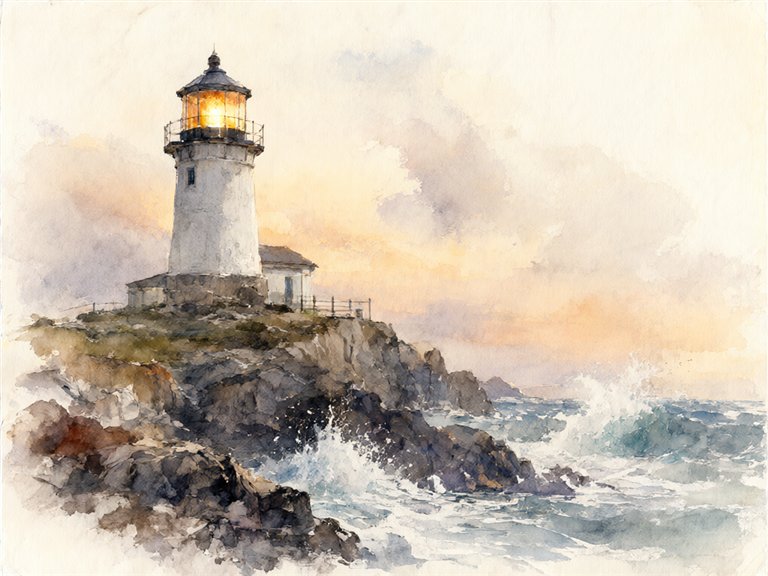
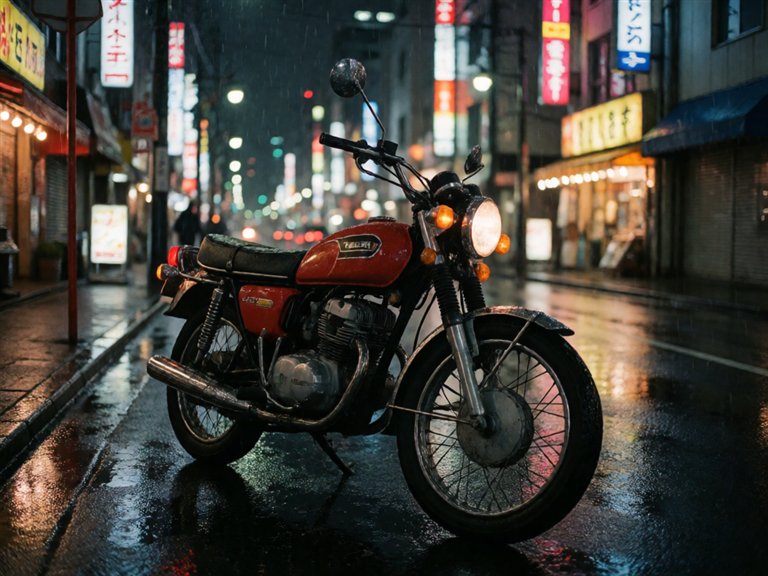
Made with it
Straight out of the app on an RTX 2060 (6 GB), no retouching.
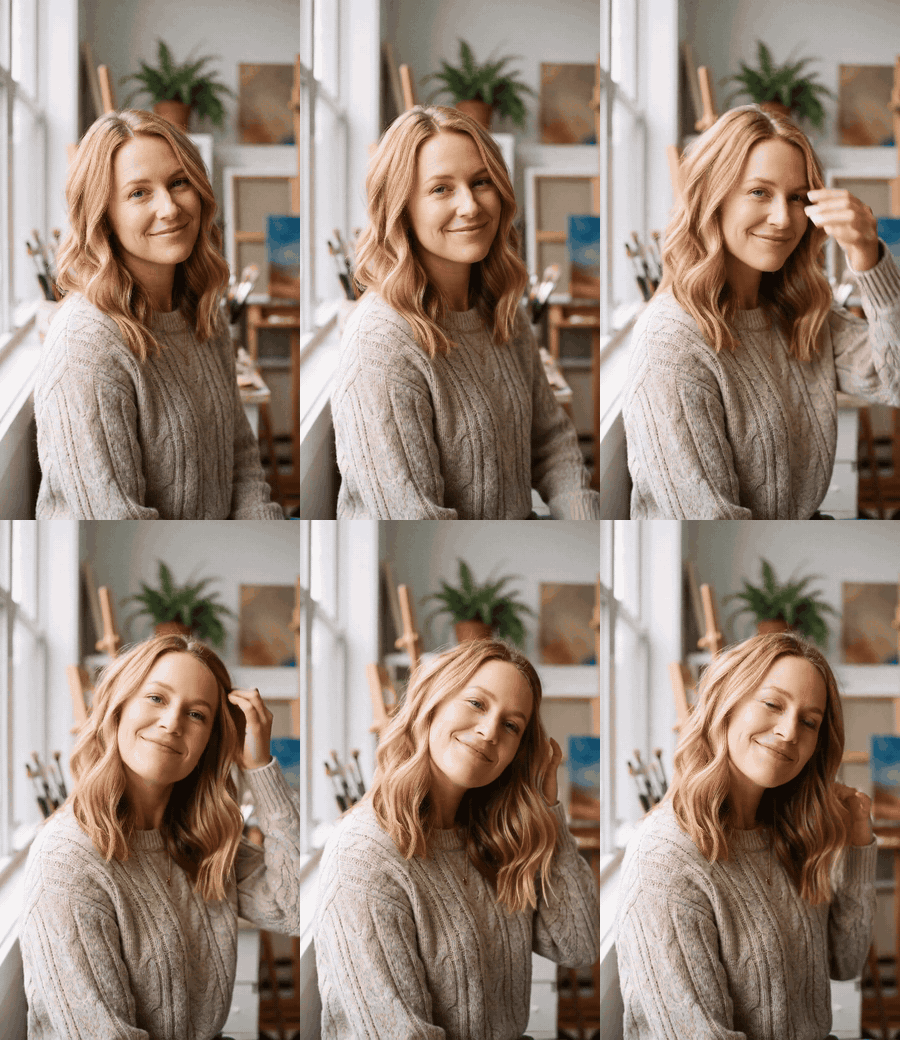
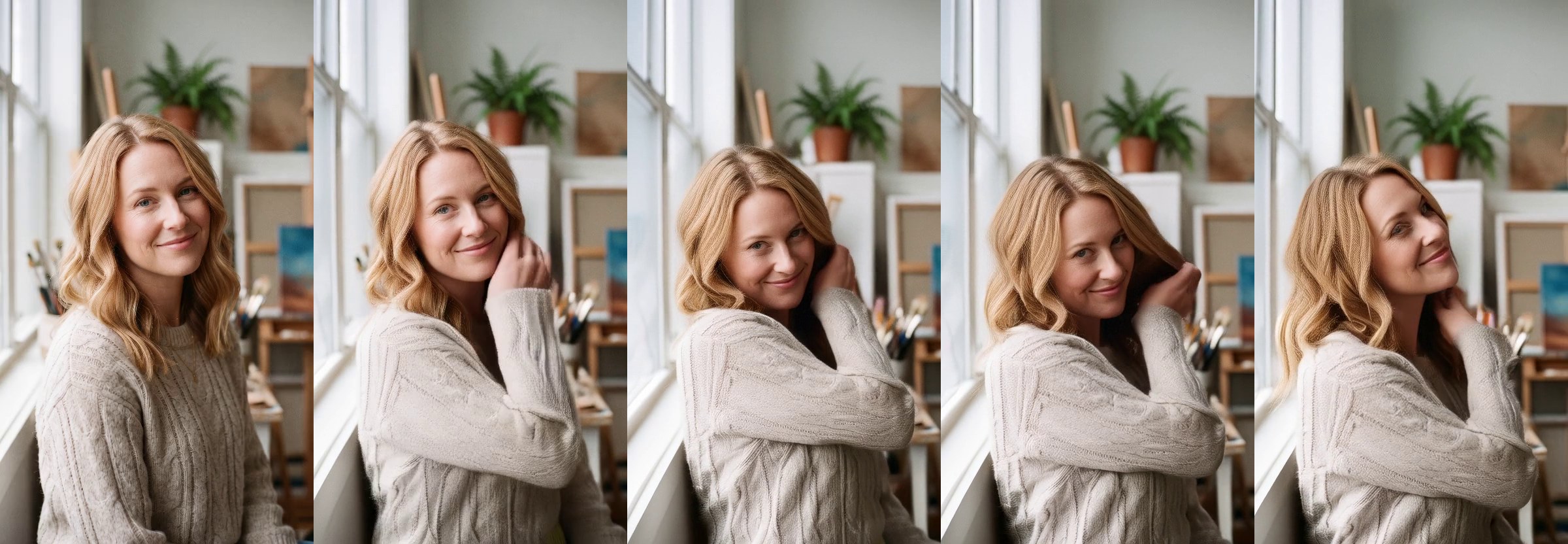
One photo, and she comes to life
Wan 2.2 I2V-A14B (LightX2V, 4 steps) from the same portrait: she smiles, tucks her hair behind her ear and tilts her head, and it is still her in every frame. 480×832, 3 s, about 6 minutes on a 6 GB RTX 2060.
“she smiles warmly, tucks a strand of hair behind her ear and tilts her head slightly, natural blinking, soft window light”
Models
| Model | Does | Default file | License |
|---|---|---|---|
| Qwen-Image 2.1 | Generate, edit, inpaint, uncrop | qwen-image-2.1-UC-Q4_K_M.gguf (4.6 GB) | Qwen Research |
| Krea 2 Turbo (optional) | Generate, in 8 steps | krea2_turbo_bf16-Q4_0.gguf (8.3 GB) | Krea 2 Community |
| RealVisXL V5 Lightning | Generate (SDXL, photoreal, 6 steps) | RealVisXL_V5.0_Lightning_fp16.safetensors (6.9 GB) | OpenRAIL++ |
| Wan 2.2 TI2V-5B (optional) | Video: text or photo to video | Wan2.2-TI2V-5B-Q5_K_M.gguf (3.8 GB) | Apache 2.0 |
| Wan 2.2 I2V-A14B, faces (test) | Video: photo to video, faces and identity | LightX2V 4-step, high + low noise Q3_K_M (14.4 GB) | Apache 2.0 |
| SDPose whole-body | Pose | sdpose_wholebody_fp16.safetensors (1.9 GB) | MIT |
| 4x-UltraSharp V2 | Upscale | 4x-UltraSharpV2.safetensors (0.14 GB) | CC BY-NC-SA 4.0 |
| Chroma1-HD (optional) | Generate, uncensored, Flux-based | Chroma1-HD-Q4_K_M.gguf (5.6 GB) | Apache 2.0 |
Tested on an RTX 2060 (6 GB) with 64 GB of RAM. Set the Windows page file to at least 32 GB.
How it works
browser → Flask (app.py) → HTTP + websocket → ComfyUI → Qwen-Image 2.1 / Krea 2 / SDXL / Wan 2.2 / SDPose
                       ↓
                 Ollama (✨ Enhance, optional)
The Flask server doesn't run the models: it patches the API-format ComfyUI workflow for the tab with your prompt and settings, queues it, relays live sampler progress, and saves the results to output/. So the UI can live on a Raspberry Pi while a GPU PC does the work.
Run it
- Install ComfyUI and the leejet ComfyUI-GGUF nodes.
- Point ComfyUI at this repo's
models/withextra_model_paths.yaml, then download the models from the app's Models page (or by hand; the README lists every file). - Run
run.bat(orrun.ps1) and openhttp://127.0.0.1:7870. It starts ComfyUI in its own window if it isn't running yet; withrun.sh, start ComfyUI yourself first.
$ run.bat
$ python generate_video.py "she turns toward the camera and smiles" --image photo.png
Or script it
$ curl -X POST http://127.0.0.1:7870/api/video \
    -F image=@photo.png -F "prompt=she turns toward the camera and smiles" -F frames=81